
Today’s Recipe
Discover recipes and cooking ideas shared by a community of food enthusiasts, through Amazon Alexa.
Discover
Test your knowledge and challenge your mind with Trivia Show through Amazon Alexa.“Alexa, open Trivia Show”
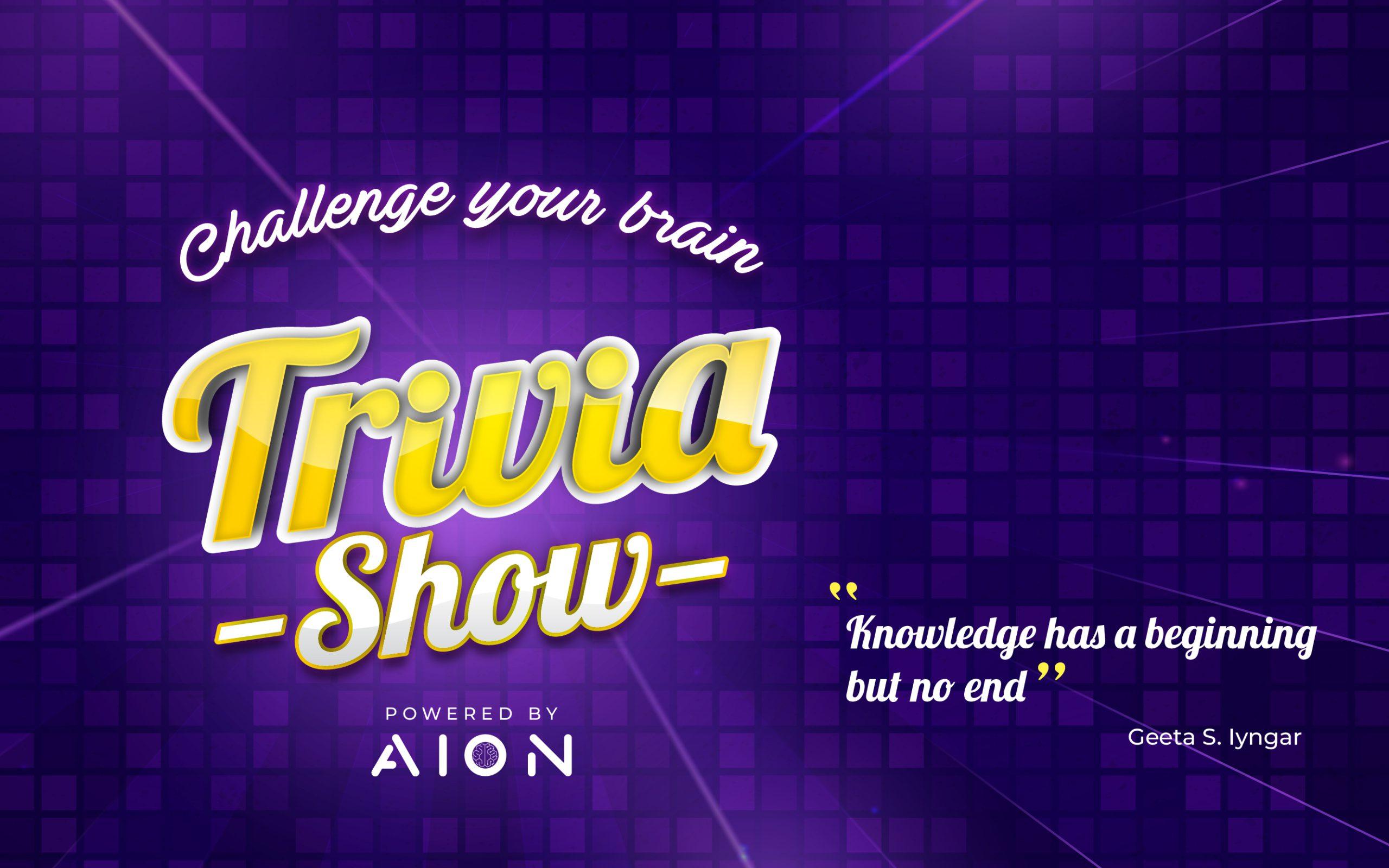
Trivia Show brings a voice-based quiz to Amazon Alexa. Explore the game categories, answer multiple-choice questions and decide whether to continue or walk away with your current points.
"Alexa, open Trivia Show".
To launch the exciting Trivia Show skill, simply say:
"A," "B," or "C".
To answer a question, just say:
"Show rules".
To learn about the game rules, say:
"Ready for the next question," or simply, "Ready".
To receive a new question, say:
"Show categories".
To explore the game categories, say:
"Walk away"
To walk away with your current amount of points, say:
Answer each question by saying A, B or C.
Say “Show categories” to discover the game categories.
Say “Show rules” for guidance on how the game works.
Ask for the next question, or say “Walk away” to leave with your current points.
Enable Trivia Show and start playing with the voice commands already available in the skill.
Open the Amazon listing and enable Trivia Show for your Alexa account.
Say “Alexa, open Trivia Show” to launch the game.
Say “Show rules” or “Show categories” to get familiar with the game.
Answer A, B or C. Say “Ready” for the next question or “Walk away” to leave with your points.
Discover other voice experiences designed by our team.
Discover recipes and cooking ideas shared by a community of food enthusiasts, through Amazon Alexa.
Discover
Test your knowledge of iconic superheroes with Trivia COMICS, a voice quiz for Amazon Alexa.
Discover
Practice SAT-style questions in Math, Reading and Writing with SAT Training for Amazon Alexa.
Discover